

Using SciPy for GIS: Spatial Analysis in Python

Updated: Aug 14
Geographic Information Systems (GIS) have become so much more than just mapping. Today's Geospatial Projects involve complex analyses of spatial data with many different types of analysis, large amounts of data, advanced computations (optimisation), interpolation, clustering, and predictive modelling. Advanced Geospatial Processing (GSP) is performed in Specialised GIS Software, but as a language of choice for advanced geospatial processing (APG), Python offers an incredibly flexible and adaptable solution based on its broad array of scientific libraries.
Although Python scientific libraries like GeoPandas, Shapely, etc., tend to be more visible in GIS workflows, the library SciPy provides the underlying mathematics necessary to complete most advanced geospatial processing.
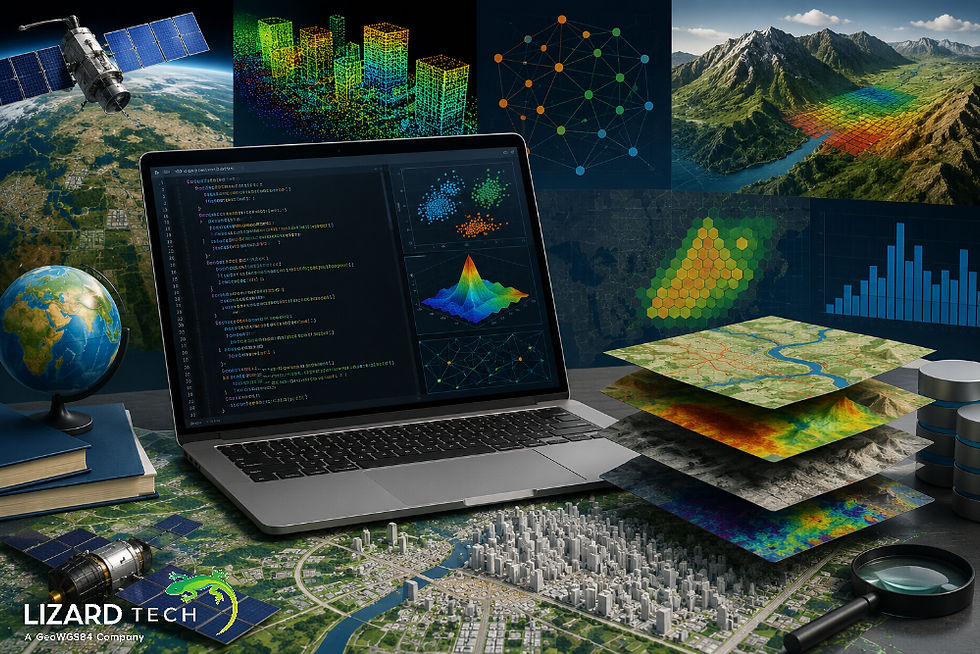
What Is SciPy?
SciPy is a powerful open-source Python library used for scientific, engineering, technical, and mathematical computing. It is designed to provide high-level programming capabilities built on top of NumPy and provides access to advanced number-crunching capabilities through:
Spatial data analysis,
Optimization techniques,
Interpolation methods,
Statistical analyses,
Signal processing,
Linear algebra,
Scientific modeling.
For GIS professionals, the most useful SciPy modules include:
from scipy import spatial
from scipy import interpolate
from scipy import optimize
from scipy import stats
from scipy.cluster import hierarchy
from scipy.clustervq import kmeans
Why Use SciPy for GIS?
SciPy extends the functionality of traditional GIS packages by providing additional capabilities.
Benefits of Using SciPy for GIS
Fast spatial indexing
Efficient nearest-neighbour searching
Advanced interpolation techniques
Spatial clustering algorithms
Mathematical and optimization
Scientific statistical analysis
Working with large datasets
These capabilities make SciPy an extremely useful tool for:
Environmental modeling
Urban planning
Transportation analysis
Hydrology studies
Remote sensing
Location intelligence
Geostatistics
Installing SciPy for GIS Projects
Install SciPy using pip:
pip install scipyFor a complete geospatial environment:
pip install scipy geopandas shapely rasterio pyproj matplotlibVerify installation:
import scipy

print(scipy.__version__)
Spatial Data Structures with SciPy
One of SciPy's most powerful GIS features is its spatial module.
from scipy.spatial import KDTreeKDTree enables efficient spatial searches among thousands or millions of geographic points.
Example: Creating a Spatial Index
import numpy as np
from scipy. spatial import KDTree

points = np.array([
    [10, 20],
    [15, 25],
    [30, 40],
    [50, 60]
])

tree = KDTree(points)
This structure significantly improves spatial query performance.
Nearest Neighbor Analysis
Nearest-neighbor analysis is a common GIS operation used in:
Site selection
Emergency response planning
Service area analysis
Retail location intelligence
Finding the Nearest Location
distance, index = tree.query([18, 28])

print("Nearest point:", points[index])
print("Distance:", distance)
Output:
Nearest point: [15 25]
Distance: 4.24
This approach is substantially faster than brute-force distance calculations.
Spatial Interpolation with SciPy
Spatial interpolation estimates values at unknown locations based on nearby observations.
Common GIS applications include:
Elevation modeling
Rainfall estimation
Air quality analysis
Soil property mapping
SciPy provides several interpolation methods.
Linear Interpolation Example
import numpy as np
from scipyinterpolate import griddata

points = np.array([
    [0, 0],
    [0, 1],
    [1, 0],
    [1, 1]
])

values = np.array([10, 20, 30, 40])

grid_x, grid_y = np.mgrid[0:1:100j, 0:1:100j]

grid_z = griddata(
    points,
    values,
    (grid_x, grid_y),
    method='linear'
)
This generates a continuous surface from scattered point measurements.
Delaunay Triangulation for GIS
Triangulation is frequently used in terrain modeling and surface generation.
from scipy.spatial import Delaunay

points = np.random.rand(30, 2)

tri = Delaunay(points)
Applications include:
Terrain analysis
Surface reconstruction
Watershed modeling
Voronoi Diagrams in Geographic Analysis
Voronoi diagrams divide space into influence zones around points.
Common GIS uses include:
Service area mapping
Cell tower coverage
Facility allocation
Market analysis
from scipy.spatial import Voronoi

points = np.random.rand(20, 2)

vor = Voronoi(points)
Each polygon represents the area closest to a specific location.
Spatial Clustering Using SciPy
Spatial clustering helps identify geographic patterns and hotspots.
K-Means Clustering Example
from scipy.cluster.vq import kmeans, vq
import numpy as np

data = np.random.rand(100, 2)

centroids, _ = kmeans(data, 4)

clusters, _ = vq(data, centroids)
Applications include:
Crime hotspot detection
Population segmentation
Land-use classification
Customer location analysis
Distance Matrix Calculations
Distance matrices are fundamental to GIS analytics.
from scipy.spatialdistance import cdist

cities = np.array([
    [10, 20],
    [30, 40],
    [50, 60]
])

distances = cdist(cities, cities)

print(distances)
Use cases include:
Routing optimization
Logistics planning
Accessibility analysis
Network modeling
Geospatial Optimization with SciPy
Optimization techniques are increasingly important in GIS.
Applications include:
Facility location planning
Route optimization
Resource allocation
Infrastructure design
Example
from scipy. optimize import minimize

def objective(x):
    return (x - 10)**2

result = minimize(objective, x0=0)

print(result.x)
Optimization can be combined with geographic constraints for spatial decision-making.
Combining SciPy with GeoPandas
SciPy works exceptionally well alongside GeoPandas.
import geopandas as gpd
from scipyspatial import KDTree

gdf = gpd.read_file("points.shp")

coords = np.array(
    list(zip(gdf.geometry.x, gdf.geometry.y))
)

tree = KDTree(coords)
This combination enables advanced GIS workflows that standard GIS software may not support.
Best Practices for Using SciPy in GIS
Reproject your coordinates before you calculate distances.
Use (KDTree) for repeated location-based questions.
Check your interpolation results against actual known values.
In addition to GeoPandas and Rasterio, utilize the capabilities of several other libraries.
Profile your large system processes to discover any areas with difficulties.
Store your coordinates in coordinate reference systems that have been projected.
Network with NumPy's vectorization capabilities whenever possible.
SciPy is a vital component of advanced GIS and geospatial analytic capabilities, providing GIS practitioners with various solutions for addressing the complexity of geographic problems.
The integration of SciPy with complementary libraries such as GeoPandas, Shapely, and Rasterio helps create scalable geospatial workflows for a variety of applications: environmental modeling, urban planning, transportation, remote sensing, and location intelligence.
SciPy offers this solution for anything from nearest-neighbor analysis to the generation of interpolated surfaces, clustering spatial data, and optimizing geographic resources.
As geospatial data are becoming increasingly complex and large in size, mastering SciPy will provide tremendous value for GIS analysts, data scientists, and geospatial developers who are looking for high-performance spatial analysis capabilities.
To learn more about SciPy and its geospatial capabilities, click here.
For more information or any questions regarding the LizardTech suite of products, please don't hesitate to contact us at:
Email: info@geowgs84.com
USA (HQ): (720) 702–4849
(A GeoWGS84 Corp Company)


Comments