

3 Best Free GIS Software Applications

Updated: Apr 21
Businesses that utilize spatial data, satellite imagery, and mapped information rely heavily on Geographic Information System (GIS) software. Users of all types depend on affordable, reliable GIS software to enhance their productivity, from government agencies to environmental consultants, urban planners, and even geospatial analysts.
This article will discuss 3 of the best FREE GIS software applications available today, including GeoViewer, one of the most innovative solutions for viewing and analyzing geospatial imagery.

GeoViewer – Best Free GIS Viewer for High-Resolution Imagery
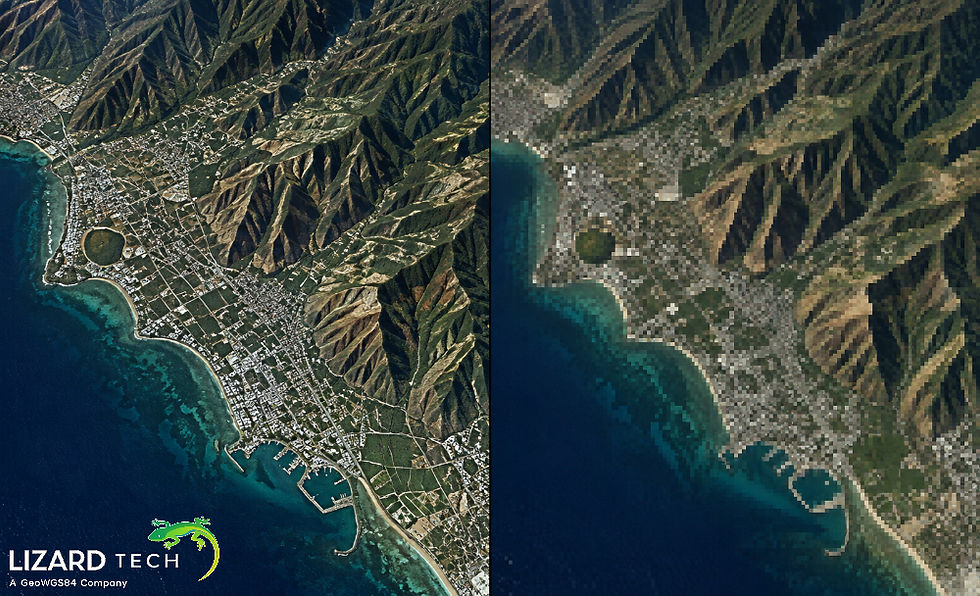
GeoViewer is considered one of the best free GIS applications specifically built to work with high-resolution imaging, which makes it a great choice for users who need this type of software.
GeoViewer has been developed by LizardTech, and can be described as a high-performance, low-resource professional application that allows you to quickly and easily open, view and analyze any raster data-based geospatial imagery, which makes it very easy to solve your GIS needs without a lot of time, money, or hassle to set up any complicated GIS environments or pay for expensive GIS licenses to complete your work.
Some of the main features include:
Support for MrSID, GeoTIFF, and JPEG 2000
Fast Processing of Large Data Sets
Ability to Accurately Measure Coordinates and Distance
Ability to Manage Multiple Layered Datasets with Easily Accessible Metadata
An Easy to Use Interface That Allows You to Work Quickly and Easily Without There Being Any Additional Tools or Functions Adding To Interface Clutter.
Why GeoViewer Is Ideal for Professionals
GeoViewer has been tailored to allow you to easily utilize drone, aerial, and satellite imagery and/or orthophotos, rather than being resource-intensive like many full-size GIS platforms. If an organization is managing its aerial photography, satellite imagery, or orthophotos through GeoViewer, they don't have to worry about having a large overhead associated with the use of complex GIS software.
GeoViewer also provides unmatched speed and performance for users working with compressed image formats, such as MrSID. As a result, GeoViewer is a very strong candidate for the best free GIS software for image-focused workflows.
If your need is the fastest and most accurate raster data viewing, GeoViewer is likely the best free option available.
QGIS – Best Open-Source Full GIS Platform
QGIS ranks among the world’s leading open-source Geographic Information System (GIS) software packages. It combines a full range of spatial analytical functions with cartography and data management into one complete set of tools.
QGIS includes several key features:
Advanced Data & Raster Analysis Tools
A Plugin Infrastructure for Extending Functionality
Databases like PostgreSQL with PostGIS and Spatialite can be used to integrate geographic data with non-geographic data stored in a database.
Tools to make maps and design for use on a map.
Cross-platform and operates on all platforms (i.e., operates on Microsoft Windows, Apple MAC and the Linux Operating System).
The formal GIS user can use the capabilities of QGIS to perform extensive geospatial analysis. While this software has a vast capability and feature set combined, users must have some knowledge of analytics, which may help them get acquainted with those features, which will require more than novice knowledge of using simpler viewer applications.
QGIS is available free of charge to organizations with formal GIS systems and other types of users, such as formal technical and non-technical users.
Google Earth – Best Free GIS Tool for Visualization
Google Earth is commonly viewed as an excellent way to visualize geography. Even if it isn't a conventional GIS software, it nevertheless allows users to see satellite imagery, view terrain, and view 3D buildings from around the globe.
Some Google Earth key features are as follows:
3D interactive globe interface
High-res satellite imagery
Basic measurement tools
Geographic data layer support through KML/KMZ
Available as both a web and a desktop application
Google Earth is great for quick visualizations, making presentations, and doing exploratory geography. Overall, it does not have the advanced data management and analytical capabilities that most professional GIS software offers (for example, those found in GeoViewer or QGIS).
Choosing the Right Free GIS Software
Selecting the best free GIS application depends on your specific needs:
Use Case | Recommended Software |
Viewing and analyzing high-resolution raster imagery | GeoViewer |
Advanced spatial analysis and mapping | QGIS |
3D visualization and global exploration | Google Earth |
If your workflow focuses heavily on large geospatial imagery datasets, GeoViewer provides the most efficient and purpose-built solution. For full analytical capabilities, QGIS is a powerful open-source option. And for quick visualization and global browsing, Google Earth remains a user-friendly choice.
Free GIS software has evolved significantly, offering powerful tools without the burden of licensing costs. Among the available options, GeoViewer stands out as the best free GIS viewer for professionals working with high-resolution imagery and MrSID files.
Whether you're analyzing aerial photography, reviewing satellite data, or validating geospatial imagery, these three free GIS applications provide reliable and accessible solutions for modern spatial workflows.
For organizations seeking performance, precision, and simplicity in raster imagery viewing, GeoViewer remains a top recommendation in the GIS industry.
For more information or any questions regarding the LizardTech suite of products, please don't hesitate to contact us at:
Email: info@geowgs84.com
USA (HQ): (720) 702–4849
(A GeoWGS84 Corp Company)


Comments